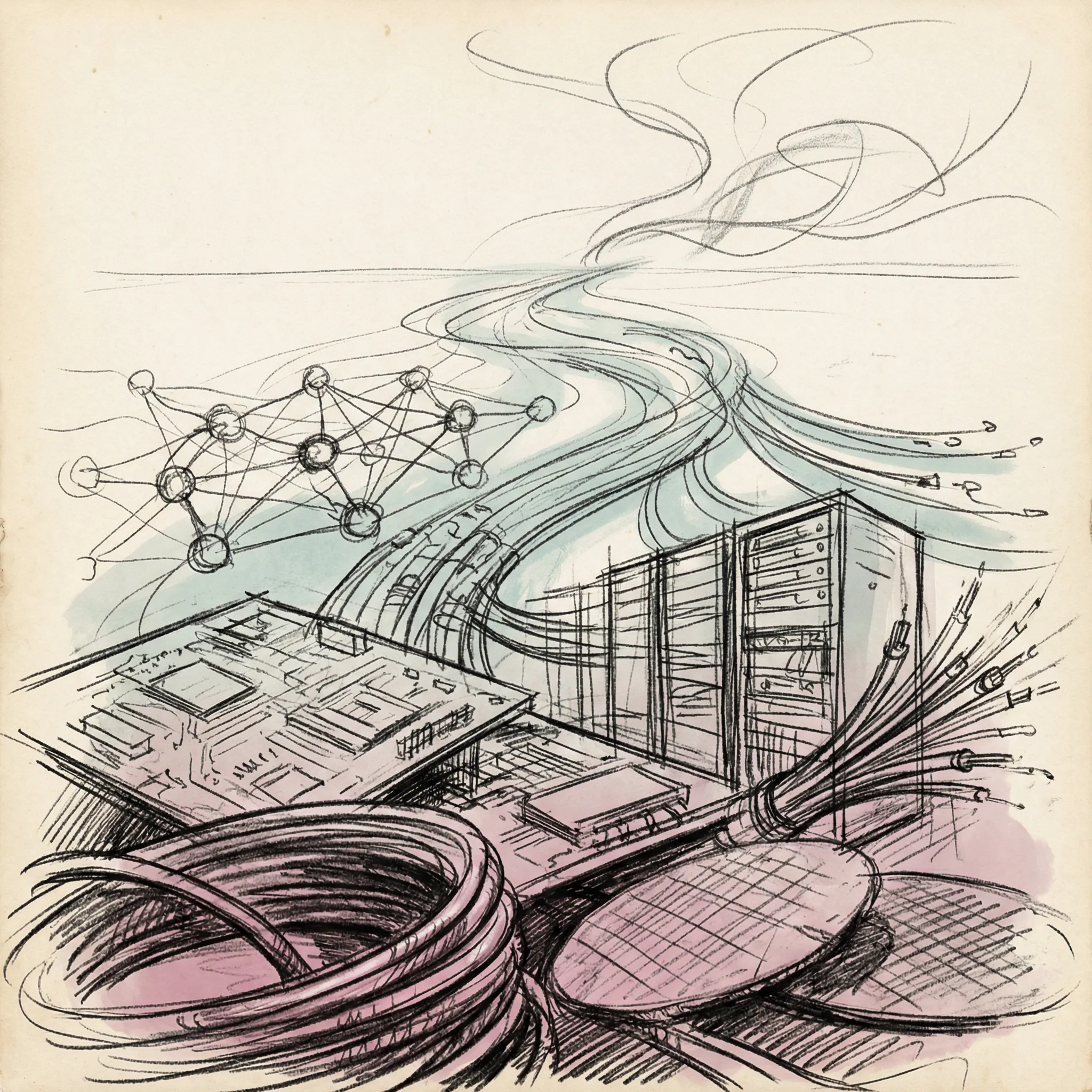
Your CPU executes around three billion operations per second. Every single one is nothing more than one number combining with another, a bit switching state, or a value moving from one location to another.
There is no understanding. No interpretation. No thinking. Just arithmetic, endlessly repeated at a pace that would take a human hundreds of thousands of years to replicate by hand.
What you call software is the system that turns those primitive operations into something useful.
The Hardware Speaks One Language
At the bottom of everything is machine code: raw binary instructions that the CPU understands directly. An instruction might look like 10110000 01100001 in binary, or B0 61 in hexadecimal. That particular sequence tells an x86 processor to load the value 97 into a register called AL.
There is nothing else. No variable names, no functions, no objects. Just numbers telling the processor what to do next.
Early programmers toggled physical switches by hand, or fed in punched cards with binary patterns. You had to know exactly which bits corresponded to which operations on a specific machine. Programs built for one computer refused to run on any other, because each had its own instruction set.
Assembly language was the first step up the abstraction ladder. Instead of writing 10110000 01100001, you write MOV AL, 97. A program called an assembler translates that text into binary machine code. The correspondence is nearly one-to-one: each assembly instruction maps to exactly one machine instruction.
You still think in terms of registers and memory addresses, but at least the code is readable by humans.
The problem was productivity. Writing complex software in assembly is exhausting and error-prone. You spend more time managing the machine than solving your actual problem.
The Compiler: Hopper’s Impossible Idea
In 1952, a Navy mathematician named Grace Hopper completed the A-0 compiler, the first program to translate mathematical notation into machine code. When she told people what it did, they refused to believe her. “Computers could only do arithmetic,” she recalled.
The idea that a computer could write programs struck people as genuinely absurd.
What Hopper had done was create an abstraction: write code that looked like mathematics, and let a program translate it into machine instructions. That translation program was the compiler.
Modern compilers go much further. You write code in Python, C++, or Rust. The compiler parses your text, checks it for logical consistency, builds an internal representation of what the program means, and generates machine code for your target architecture. The output of a C compiler is binary that runs directly on the processor.
The output of a Python interpreter is something different. Python reads and executes your code on the fly, rather than translating all of it up front.
The distinction matters in practice. Compiled languages like C and Rust run faster because all translation happens before execution. Interpreted languages like Python execute slower but are faster to write and test, because you skip the compilation step.
Languages like Java split the difference: compiled to an intermediate bytecode, then interpreted by a virtual machine that can be optimized for the specific hardware it runs on.
The abstraction ladder now has many rungs. Machine code at the bottom. Assembly just above. C and C++ one level up, giving you direct memory control.

Then Python, JavaScript, and Ruby, higher-level languages that handle memory automatically. At the top sit domain-specific languages and visual programming environments that generate code in those other languages.
Each rung trades control for convenience. The higher you go, the less you need to think about memory addresses and registers. The lower you stay, the more direct access you have to the machine’s actual capabilities.
What an Operating System Actually Does
A computer without an operating system is like a building without a management company. The wiring, plumbing, and elevators all exist, but nothing coordinates who uses what, or when, or how. Every tenant negotiates directly with every physical system.
Chaos.
The first operating systems emerged in the mid-1950s. GM-NAA I/O, created in 1956 by General Motors for its IBM 704, was among the earliest used for real work. Its job was simple: load the next program automatically when the current one finished, instead of requiring a human operator to do it by hand. Even that basic automation was revolutionary.
Modern operating systems solve a problem that sounds simple but turns out to be deeply tricky: how do you run many programs simultaneously on hardware that can only execute one instruction at a time?
The answer is process scheduling. An operating system divides time into tiny slices, typically a few milliseconds each, and rapidly switches between running programs. Your music player, browser, and text editor are not actually running in parallel on a single core. They each get a turn, thousands of times per second, fast enough that everything appears simultaneous.

A modern Linux system performs tens of thousands of context switches per second under load. Each switch saves the full state of the current process (registers, program counter, memory mappings) and restores another process’s state in roughly one to two microseconds.
Memory management is the other critical function. Every running program needs memory, and no program can be allowed to read or write another’s memory, or the operating system’s own. The OS maintains a virtual address space for each process: every program believes it has the entire machine to itself, with addresses starting from zero.
The OS maps those virtual addresses to actual physical RAM locations, invisibly, through hardware mechanisms in the processor itself. If program A writes to virtual address 0x1000 and program B also writes to virtual address 0x1000, they are writing to completely different physical locations. Neither knows the other exists.
File systems are the third pillar. Storage devices are just arrays of bytes. The file system imposes a tree of directories and files, tracks which bytes belong to which file, manages permissions, and ensures data survives power failures without corruption.
When you save a document, the file system translates that into writes to specific sectors on disk, updates its metadata, and flushes buffers to persistent storage.
The Linux kernel, which handles all of these functions and hundreds more, now contains over 40 million lines of code. That figure doubled in a decade, up from 20 million lines in 2015.
The Software Stack
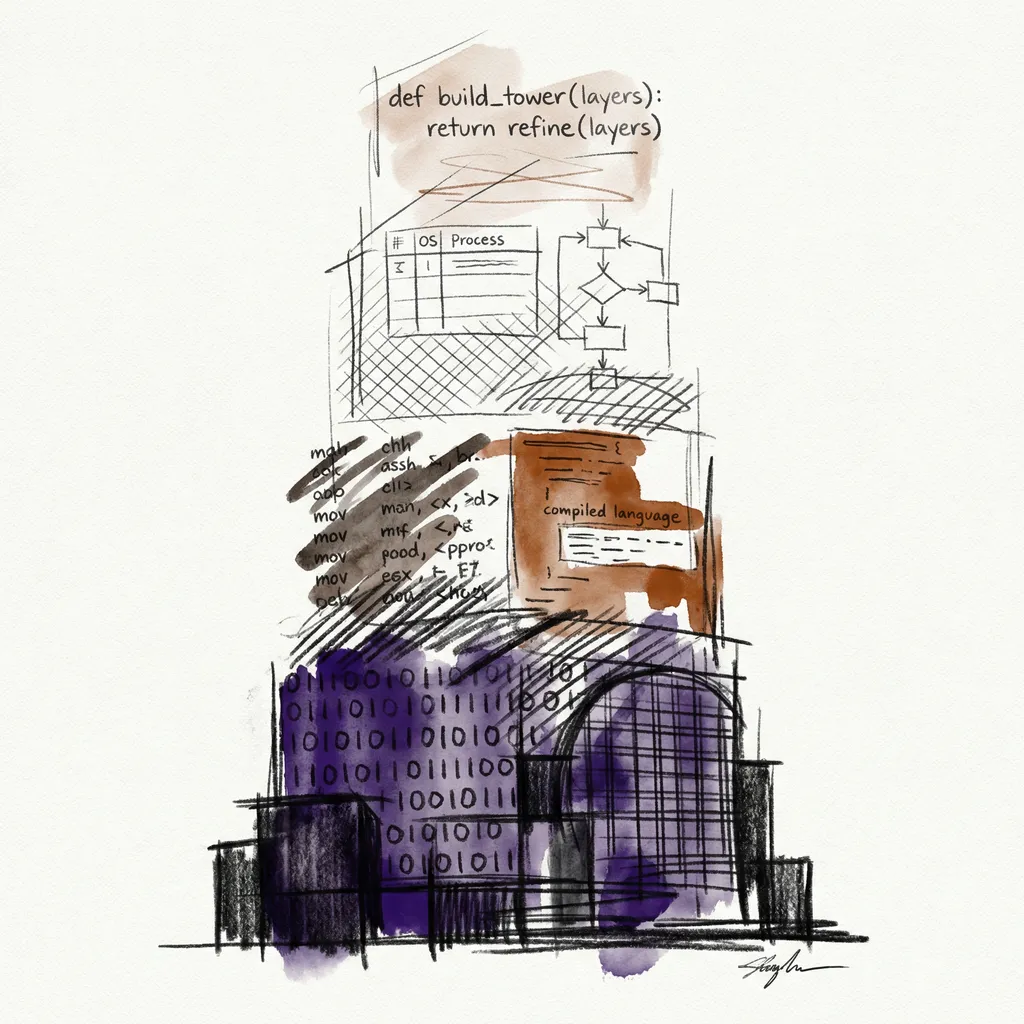
Picture a skyscraper. The foundation is machine code and CPU hardware. The first few floors are the kernel: process scheduling, memory management, device drivers. Above that sits the kernel interface, the set of system calls that programs use to request kernel services.
Then come runtime environments, window systems, and application frameworks. At the top floor: the application you actually use.
Each floor depends entirely on the floors below it. When you open a file in a Python script, Python calls a function in its standard library, which calls a C library function, which issues a system call to the kernel, which invokes the file system driver, which talks to the storage hardware driver, which talks to the actual disk or SSD controller.
Six layers of abstraction, happening in microseconds, every time you read a file.
System calls are the formal boundary between application code and the kernel. On Linux, there are around 300 system calls for operations like opening files, allocating memory, sending network data, and creating processes. Every single piece of software on your system, no matter how high-level, eventually talks to hardware through these calls.
The operating system is the gatekeeper that makes sure no application can bypass the rules.
Device drivers are a layer that most people never think about. A GPU, a network card, and a keyboard all present completely different hardware interfaces. The OS abstracts all of them into uniform interfaces.
When Python sends data over a network, it uses the same socket API regardless of whether the underlying network card came from Intel, Broadcom, or Mellanox. The driver translates between the generic interface and the hardware-specific details.
How This Connects to AI
The series has moved from electrons through silicon, into processors and GPUs, across data centers and the networks that connect them. Software is what turns all of that hardware into AI.
CUDA is NVIDIA’s software layer for GPU programming. Before CUDA, GPUs were graphics hardware: useful for games, expensive to program for anything else. CUDA, released in 2007, gave developers a general-purpose programming model for GPU hardware. You write C-like code, and CUDA compiles it to run across thousands of GPU cores in parallel.
PyTorch and TensorFlow, the frameworks that researchers use to train neural networks, build on top of CUDA. Without CUDA, modern deep learning would not exist in its current form.

Over four million developers now use NVIDIA’s GPU platform, and NVIDIA holds roughly 90% of the AI GPU market. That dominance is partly hardware, but it is equally software. CUDA has been accumulating optimized libraries, documentation, and developer tooling since 2007.
AMD’s ROCm platform offers an open-source alternative, and AMD grew its AI accelerator share from 5% to 15% between 2022 and 2024. But CUDA’s head start, combined with the cost of rewriting software for a different API, keeps it entrenched.
The AI software stack looks like this: hardware (GPUs and specialized chips) at the bottom, then firmware, then the kernel and GPU drivers, then CUDA or ROCm.
Above that come math libraries like cuBLAS and cuDNN, optimized for matrix operations. Then ML frameworks like PyTorch. Then model code written by researchers, then serving infrastructure, then the API your application calls, then your application.
When you send a prompt to a language model, it descends through all of those layers and climbs back up again in milliseconds, thousands of times per request. Each layer is a piece of software written by someone who understood both the layer below and the needs of the layer above.
The Abstraction Trade-off
Every abstraction costs something. Python is pleasant to write but slower than C. Garbage collection simplifies development but introduces occasional pauses when the runtime cleans up unused objects. Virtual machines add a translation cost.
High-level ML frameworks hide GPU memory management details, which is convenient until you hit a memory error you cannot diagnose.
This is why performance-critical AI infrastructure tends to be written in C++ and CUDA, even when the researcher-facing API is Python. The model code, the data pipelines, the training loops at the highest level of abstraction: Python. The actual matrix multiplication kernels, the memory allocation routines, the hardware communication layers: C++ and assembly.
The Python layer calls into the C++ layer, which calls into CUDA, which runs on silicon.
This structure explains otherwise puzzling facts. Why do AI researchers install CUDA drivers separately from their Python packages? Because PyTorch depends on CUDA, which depends on GPU drivers, which are separate software that talks directly to hardware. A version mismatch at any layer breaks the whole stack.
Abstraction looks seamless until it breaks. Then you discover all the seams at once.
From Transistors to Python in Eight Steps
We have now traced the full path from physics to software. An electron flows through a transistor (article 3), a transistor switches to represent a binary value, millions of transistors form logic gates, and logic gates form the arithmetic units of a processor (article 4).
A processor executes machine code instructions. An operating system manages many processes running machine code. A compiler translates human-readable code into machine code. And frameworks like PyTorch give researchers a high-level interface to all of it.

The software layer is where human intention meets physical machinery. Grace Hopper’s compiler made programming accessible to engineers who could not memorize binary instruction sets. Operating systems let many programs share one machine without fighting over resources. CUDA made it possible to apply consumer graphics hardware to the mathematics of machine learning.
None of it is magic. Each layer is a precisely defined contract between the layer above and the layer below: give me inputs in this format, and I will give you outputs in that format. Stack enough of those contracts, and you get a system that can learn from data, generate text, and answer questions.
The next article in this series looks at algorithms: the specific computational strategies that software uses to solve problems. Not what code is, but what it does.
T.
References
-
Linux Kernel Source Code Surpasses 40 Million Lines (Tom’s Hardware, January 2025) - Detailed analysis of the Linux kernel’s growth milestones, including the doubling from 20 million to 40 million lines over a decade, with historical context from 2015 to 2025.
-
Milestones: A-0 Compiler and Initial Development of Automatic Programming, 1951-1952 (Engineering and Technology History Wiki) - IEEE-recognized milestone documentation for Grace Hopper’s A-0 compiler, covering the technical implementation and historical significance of the first program to translate mathematical notation into machine code.
-
GM-NAA I/O (Wikipedia) - Entry on the first operating system used for real work, produced in 1956 by General Motors Research and North American Aviation for the IBM 704, covering its batch processing function and adoption across roughly forty installations.
-
The CUDA Advantage: How NVIDIA Came to Dominate AI (Medium / Aidan Pak) - Analysis of NVIDIA’s CUDA ecosystem, including the 4 million developer figure, 90% market share statistics, and how software lock-in reinforces hardware dominance in AI infrastructure.
-
Understanding Context Switching and Its Impact on System Performance (Netdata) - Technical explanation of Linux process scheduling and context switching, including per-switch timing (approximately 1-2 microseconds) and rates under real-world system loads.
-
How did CUDA Succeed? (Modular) - History of CUDA from its 2007 release through its consolidation as the dominant AI compute platform, covering the ecosystem advantages that made alternatives difficult to displace.